MERN-Challenge-Book-Search-Engine
Book Search Engine Starter Code
Table of Contents
Description
User Story
AS AN avid reader
I WANT to search for new books to read
SO THAT I can keep a list of books to purchase
Acceptance Criteria
GIVEN a book search engine
WHEN I load the search engine
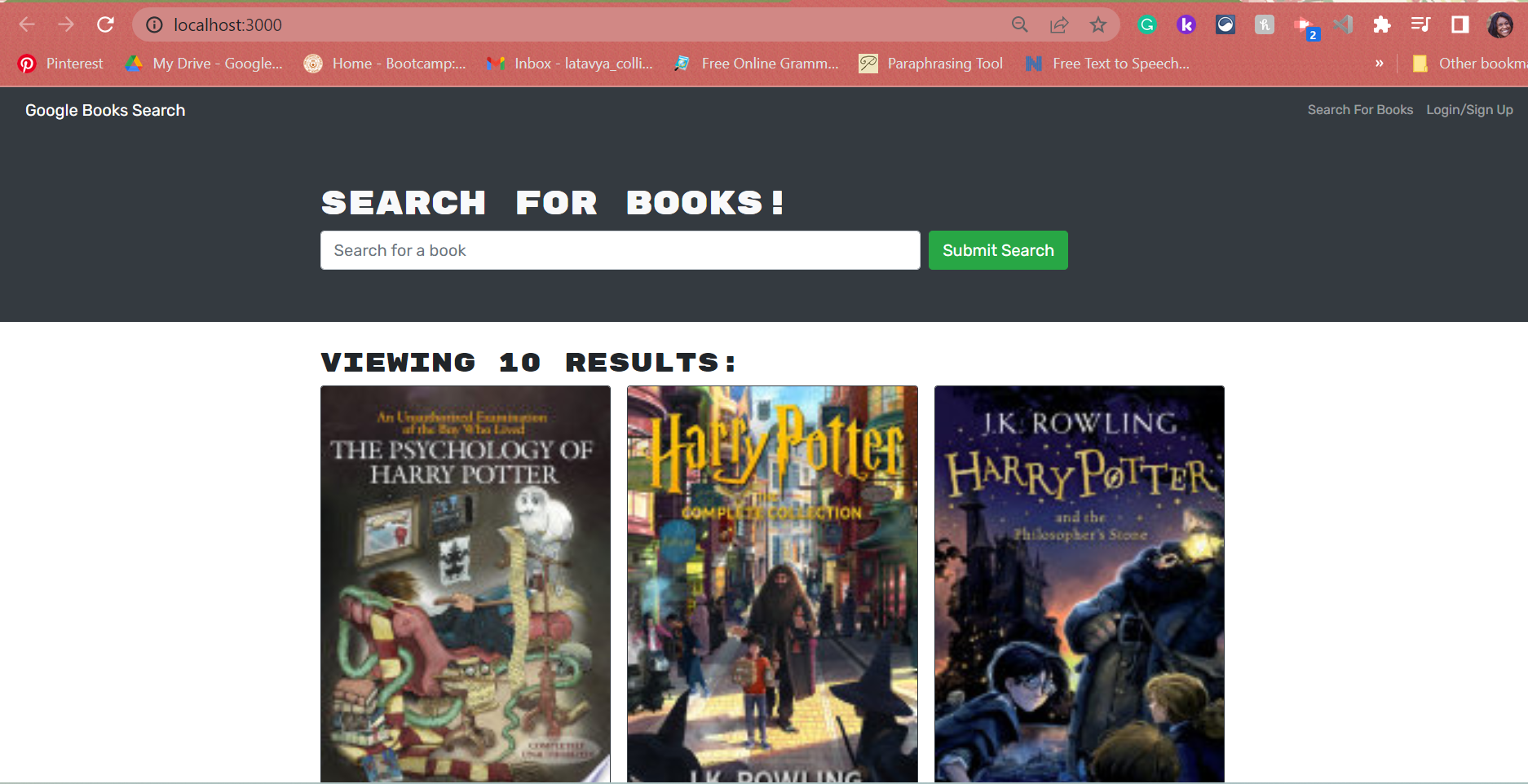
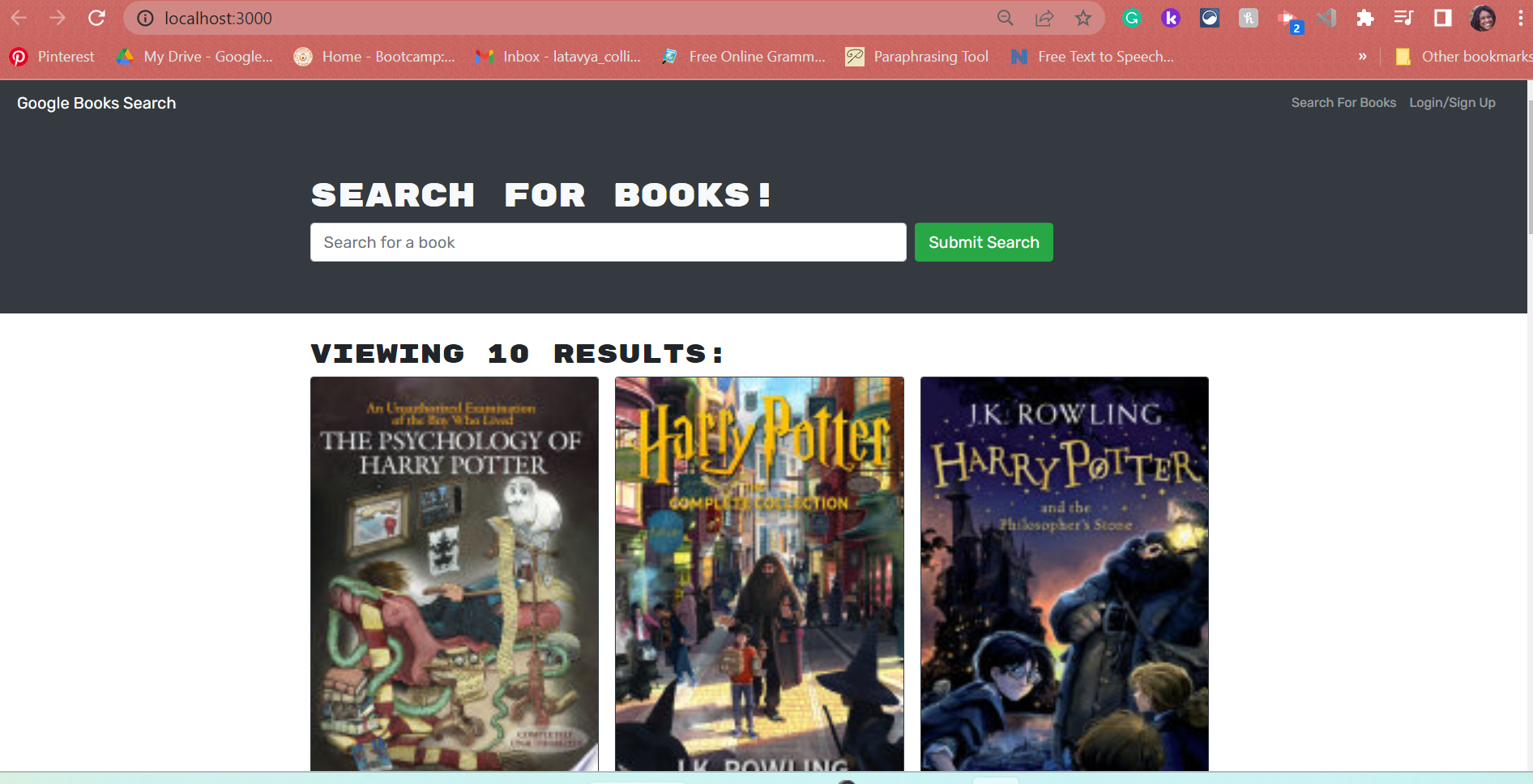
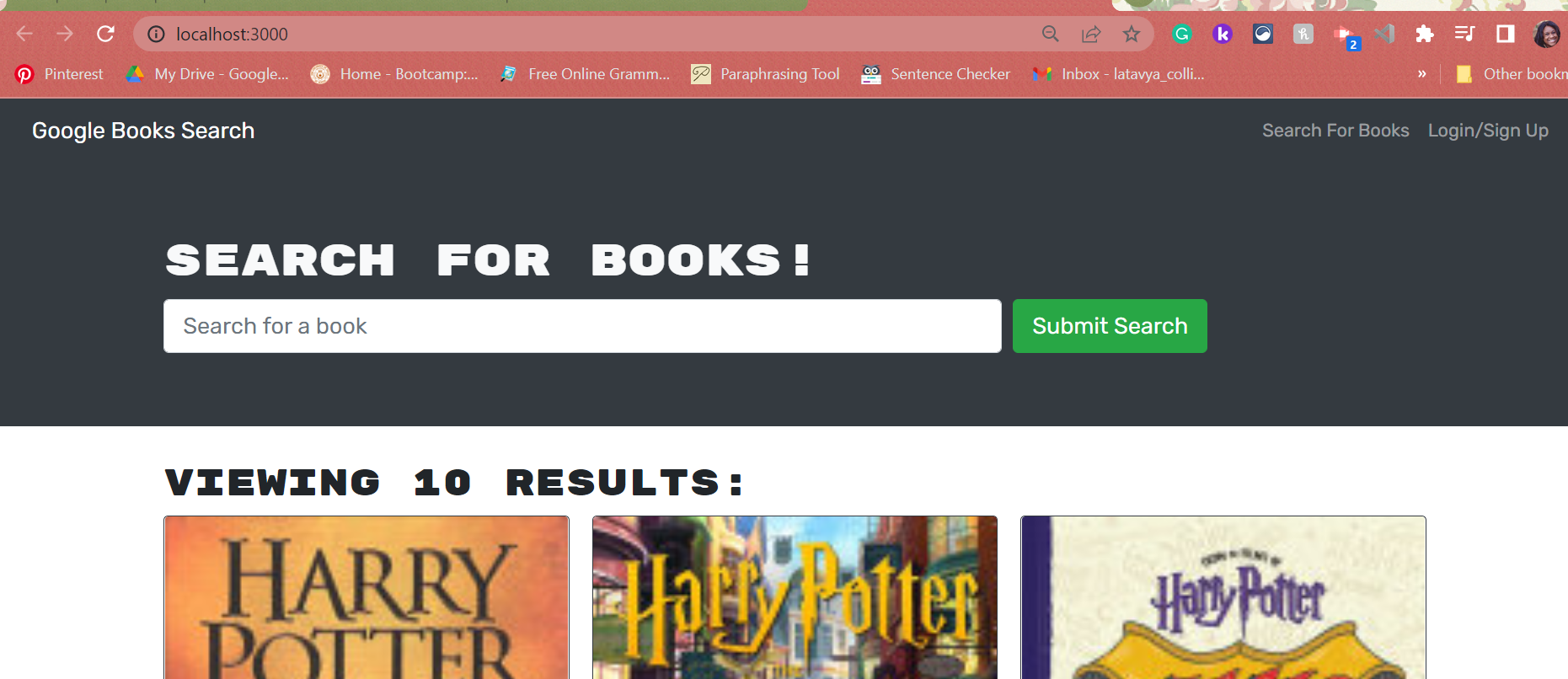
THEN I am presented with a menu with the options Search for Books and Login/Signup and an input field to search for books and a submit button
WHEN I click on the Search for Books menu option
THEN I am presented with an input field to search for books and a submit button
WHEN I am not logged in and enter a search term in the input field and click the submit button
THEN I am presented with several search results, each featuring a book’s title, author, description, image, and a link to that book on the Google Books site
WHEN I click on the Login/Signup menu option
THEN a modal appears on the screen with a toggle between the option to log in or sign up
WHEN the toggle is set to Signup
THEN I am presented with three inputs for a username, an email address, and a password, and a signup button
WHEN the toggle is set to Login
THEN I am presented with two inputs for an email address and a password and login button
WHEN I enter a valid email address and create a password and click on the signup button
THEN my user account is created and I am logged in to the site
WHEN I enter my account’s email address and password and click on the login button
THEN I the modal closes and I am logged in to the site
WHEN I am logged in to the site
THEN the menu options change to Search for Books, an option to see my saved books, and Logout
WHEN I am logged in and enter a search term in the input field and click the submit button
THEN I am presented with several search results, each featuring a book’s title, author, description, image, and a link to that book on the Google Books site and a button to save a book to my account
WHEN I click on the Save button on a book
THEN that book’s information is saved to my account
WHEN I click on the option to see my saved books
THEN I am presented with all of the books I have saved to my account, each featuring the book’s title, author, description, image, and a link to that book on the Google Books site and a button to remove a book from my account
WHEN I click on the Remove button on a book
THEN that book is deleted from my saved books list
WHEN I click on the Logout button
THEN I am logged out of the site and presented with a menu with the options Search for Books and Login/Signup and an input field to search for books and a submit button
Installation
- When the search engine loads, the user is presented with a menu with the options Search for Books and Login/Signup and an input field to search for books and a submit button.
- When a user clicks on the Search for Books menu option, they are presented with an input field to search for books and a submit button.
- When a user is not logged in and enters a search term in the input field, then clicks the submit button, they are presented with several search results, each featuring a book’s title, author, description, image, and a link to that book on the Google Books site.
- When a navigation title is clicked, the user is presented with the corresponding section below the navigation without the page reloading and that title is highlighted.
- When a user clicks on the Login/Signup menu option, a modal appears on the screen with a toggle between the option to log in or sign up.
- When the toggle is set to Signup, then the user is presented with three inputs for a username, an email address, and a password, and a signup button.
- When the toggle is set to Login, the user is presented with two inputs for an email address and a password and login button.
- When a user enters a valid email address, creates a password and clicks on the signup button, then their user account is created and they are logged in to the site.
- When a user enters their account’s email address and password and clicks on the login button, the modal closes and they are logged in to the site.
- When a user is logged in to the site, then the menu options change to Search for Books, an option to see their saved books, and Logout.
- When a user is logged in and enters a search term in the input field and clicks the submit button, then they are presented with several search results, each featuring a book’s title, author, description, image, and a link to that book on the Google Books site and a button to save a book to their account.
- When a user clicks the Save button on a book, then that book’s information is saved to their account.
- When a user clicks on the option to see their saved books, then they are presented with all of the books they have saved to their account, each featuring the book’s title, author, description, image, and a link to that book on the Google Books site and a button to remove a book from their account.
- When a user clicks on the Remove button on a book, then that book is deleted from their saved books list.
- When a user clicks on the Logout button, then they are logged out of the site and presented with a menu with the options Search for Books and Login/Signup and an input
Usage
- MongoDB Atlas
- Heroku
- NPM Apollo Client Package
- NPM Apollo-Server-Express Package
- NPM GraphQL Package
- NPM Bcrypt Package
- NPM Express.js Package
- NPM JSONWebToken
- NPM Mongoose Package
- Node.js
- NPM nodemon Package
- NPM JWT-Decode Package
- NPM React Package
- NPM React-Bootstrap
- React-Dom
- React-Router-Dom
- React-Scripts
Contributors
To contribute to MERN book search, clone this repo locally and commit your code on a separate branch.
Mock Up
Questions
My Github username is collins418, which can be accessed here :https://github.com/Collins418/MERN-Challenge-Book-Search-Engine
You can reach me at ….@gmail.com with additional questions.
Deploy- https://collins418.github.io/MERN-Challenge-Book-Search-Engine/
Heroku-